Never Lose a Tab Again
Save, sync, and organize your tabs across all devices.
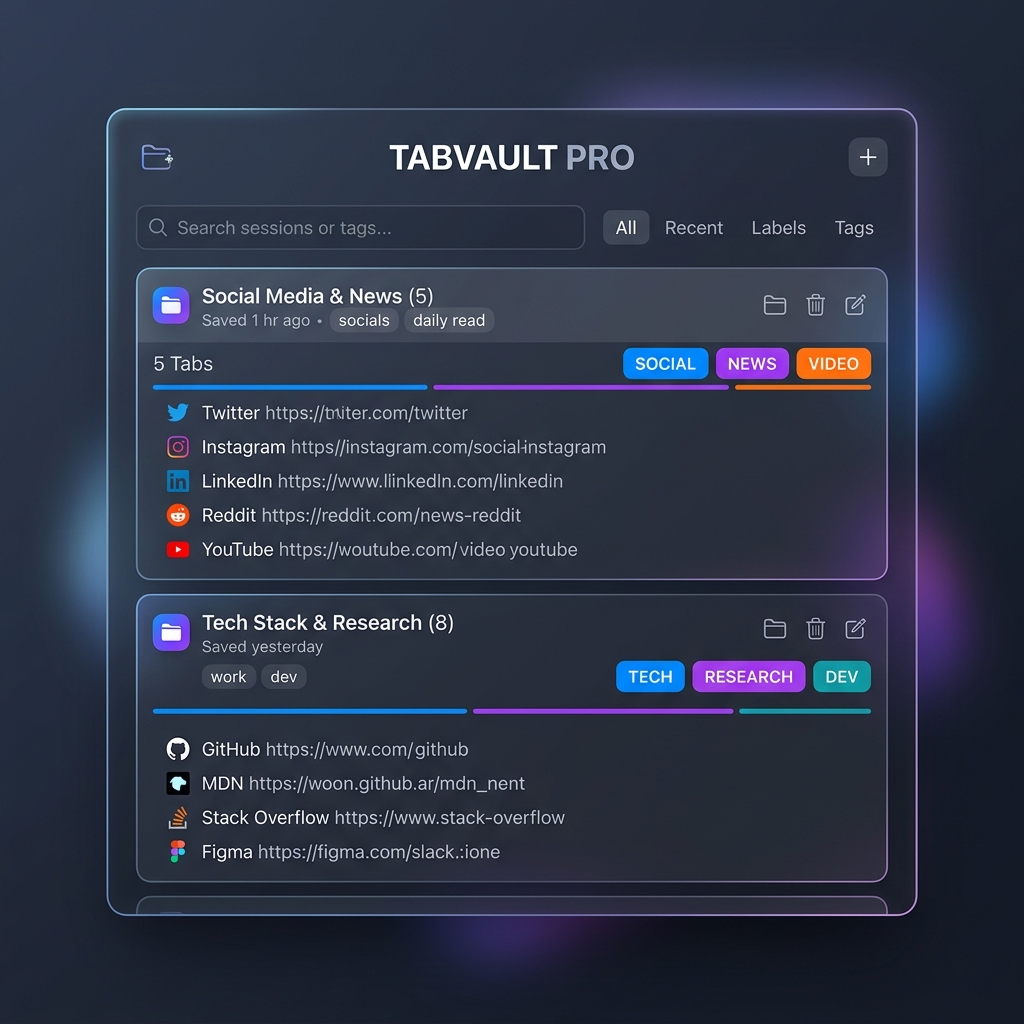
Save, sync, and organize your tabs across all devices.
Managing tabs shouldn't run your laptop hot or risk your project state.
One moment you have 200 tabs. The next, Chrome restarts and your work is gone.
You spend time grouping tabs by project. When you restore them, the groups vanish.
50 tabs open. 8GB of RAM gone. The fan screams.
Pick the tier that fits your workflow.
| Feature | Free | Pro |
|---|---|---|
| Save unlimited sessions | ✅ | ✅ |
| Preserve Chrome tab groups | ✅ | ✅ |
| Search sessions | ✅ | ✅ |
| Import from OneTab | ✅ | ✅ |
| Manual tab suspension | ✅ | ✅ |
| Dark mode | ✅ | ✅ |
| Export as HTML | ✅ | ✅ |
| Pin sessions | ✅ | ✅ |
| Duplicate detection | ✅ | ✅ |
| Google Drive cloud sync | — | ✅ |
| Auto-suspend after 30 min | — | ✅ |
| AI auto-grouping & tags | — | ✅ |
| Cross-device access | — | ✅ |
Switching from your old tab manager is simple.
Most tab managers let you copy your URLs as plain text. Grab that export.
Open TabVault Pro, scroll to the importer, paste your data, and click Import.
All URLs and titles preserved. Plus automatic cloud backup.
Unlock cross-device backups, RAM optimization, and smart tagging.
Back up every session to your own Drive. Restore on any device.
Tabs you haven't touched in 30 minutes automatically sleep. Save 80% RAM.
Save a session and AI suggests tags like "work", "dev", "news". Find anything instantly.
Sync and access your browser sessions seamlessly across all your devices.
TabVault Pro saves your tab sessions as lightweight JSON files inside a private folder on your own Google Drive.

Also includes: Export as HTML, pin sessions, duplicate detection, keyboard shortcuts
or $36 billed annually
Cancel anytime. No questions asked.
Yes. All session data is stored locally in your browser. If you enable cloud sync, it's stored in YOUR Google Drive account. We cannot access it.
Yes. Any session can be exported as a self-contained HTML file with all your links. Free users included.
Pin important sessions to keep them at the top of your list and prevent accidental deletion.
Absolutely. Copy your export, paste it into TabVault's importer, and you're done. All URLs and titles preserved.
You keep all your local sessions. Cloud sync and AI grouping stop, but nothing is deleted. Re-upgrade anytime.
Cancel anytime from your account settings. Your local sessions stay. Cloud sync and AI grouping stop, but nothing is deleted. Re-upgrade anytime.
Yes. Any device that runs Google Chrome. Your data syncs across all of them via Google Drive.
Yes. Free forever. Unlimited local sessions, tab group preservation, search, import, and manual suspend. Upgrade to Pro for cloud sync, auto-suspend, and AI grouping.
Enter your email and get started with Pro. Powered by Gumroad.